Designing with AI
AI has changed how products get made, but not every use is equally valuable. This page shows some of the utilities I’ve built recently and brings together my perspective on where AI is genuinely useful in design — and how we apply it in practice.
Hobby projects
Paste — Clipboard Manager
A fast clipboard manager built around Figma workflows. Built with deep research in Claude: full theming and disk storage optimized for instant access to thousands of history items. It’s great to have the full history accessible with one hotkey and multiple parallel clipboards.
Fixie — Grammar Guardian
A fast AI writing assistant triggered by a single hotkey. Select text in any app and get a corrected version in your clipboard without leaving the app you’re in. The default setting keeps the original text untouched and only fixes grammar and nonsense, preserving the original human voice. It can also run actions like rephrasing for better clarity or providing deeper suggestions.
Originally built for myself, but now used widely across the team even by native speakers to reduce friction and gain more confidence and assistance in the daily work.
Bold.org
How we made AI work for design
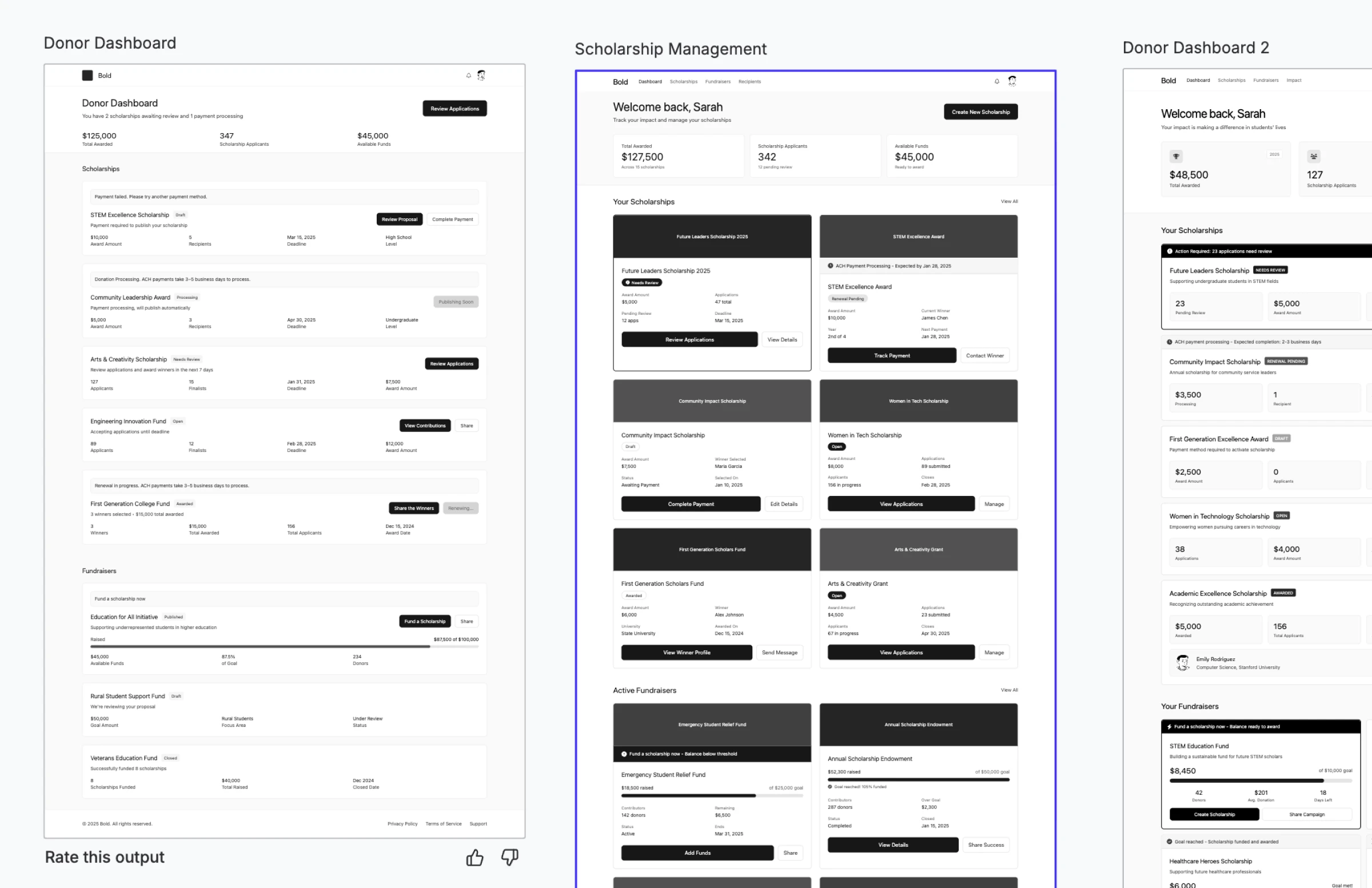
Wireframes are so back!
AI is accelerating software development, but design is a different kind of problem. It requires intent, taste, and judgment. AI does not replace those qualities, but it can still play a valuable role in the process.
AI could not produce production-ready design, and it did not reliably follow the design system, but it was good at mocking up full user flows from a spec and giving the team something concrete to validate, discuss, and react to early.
At Bold.org, after experimenting with many approaches, AI wireframing during discovery turned out to be the most impactful use case. It helped us move from vague ideas to visible flows faster and explore many more directions before narrowing in on the right one.
And what about AI-Prototyping?
AI prototyping is valuable not because it replaces design, but because it helps teams prototype the kinds of product behavior that static design tools struggle to express, especially in complex, cross-platform products.
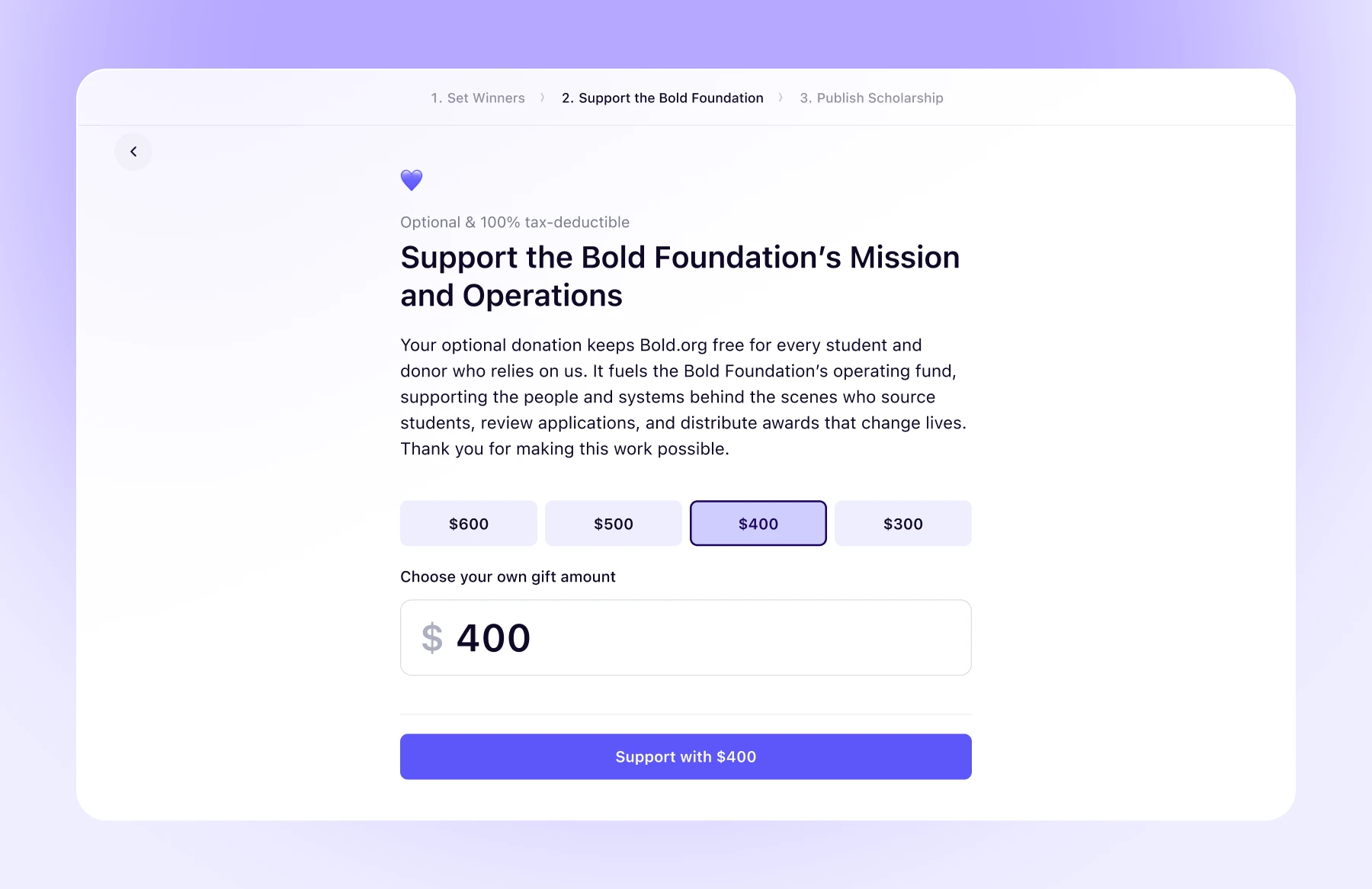
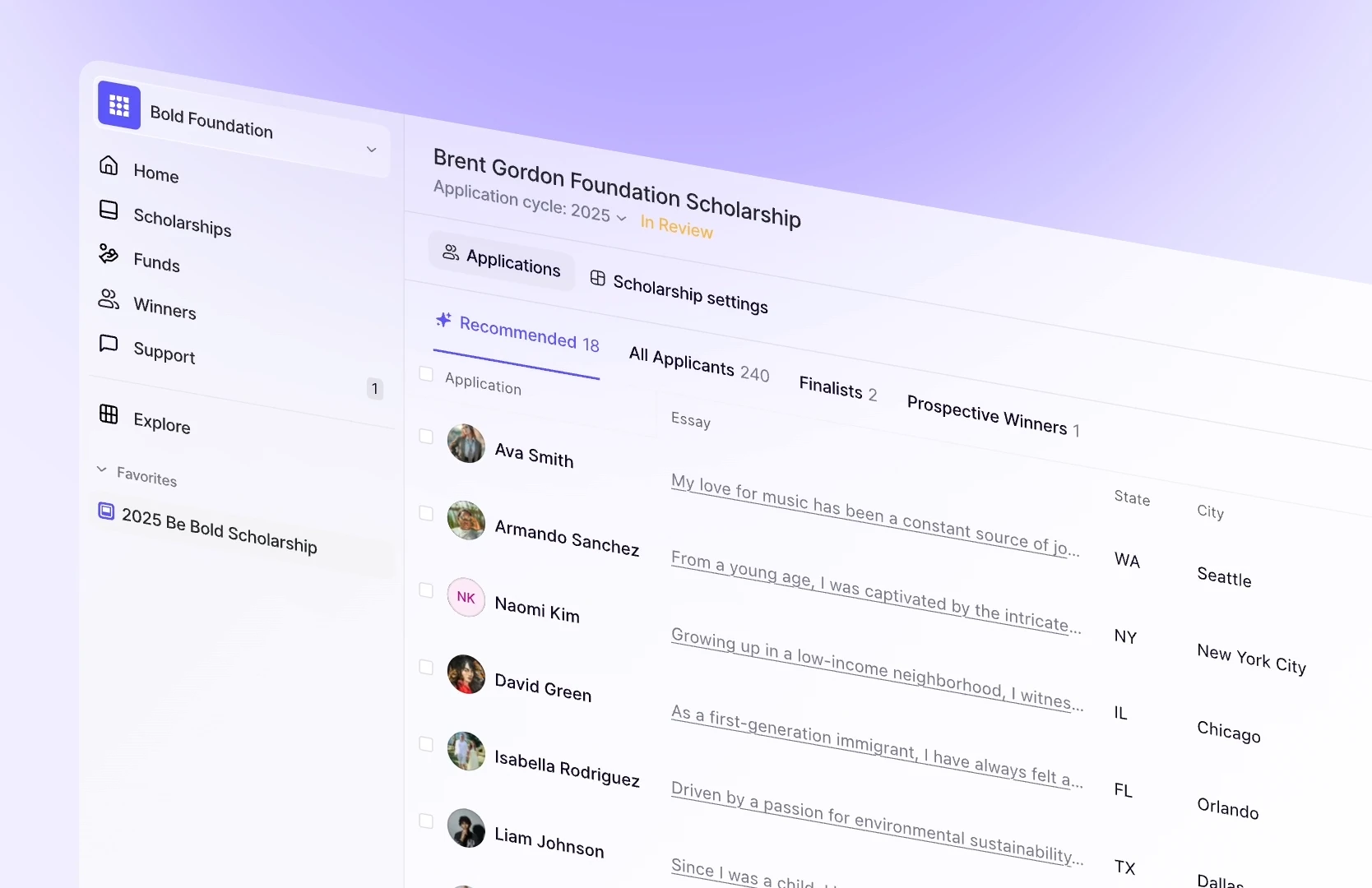
At Bold.org, we build products with complex features, custom interactions, and many edge cases that do not fit standard patterns. Because of that, AI prototyping has become an important part of our process. We stay close to emerging tools and best practices, but we try to ignore the hype and focus on what is genuinely useful today.
For our team, the clearest value has come from prototyping interactions that Figma cannot represent well on its own. This is particularly important for iOS and Android experiences, where native patterns, motion behavior, and React Native constraints shape the final product. In those situations, AI prototyping helps us move beyond static mockups and get both designers and engineers aligned around something much closer to reality.
One more thing — Internal Tools
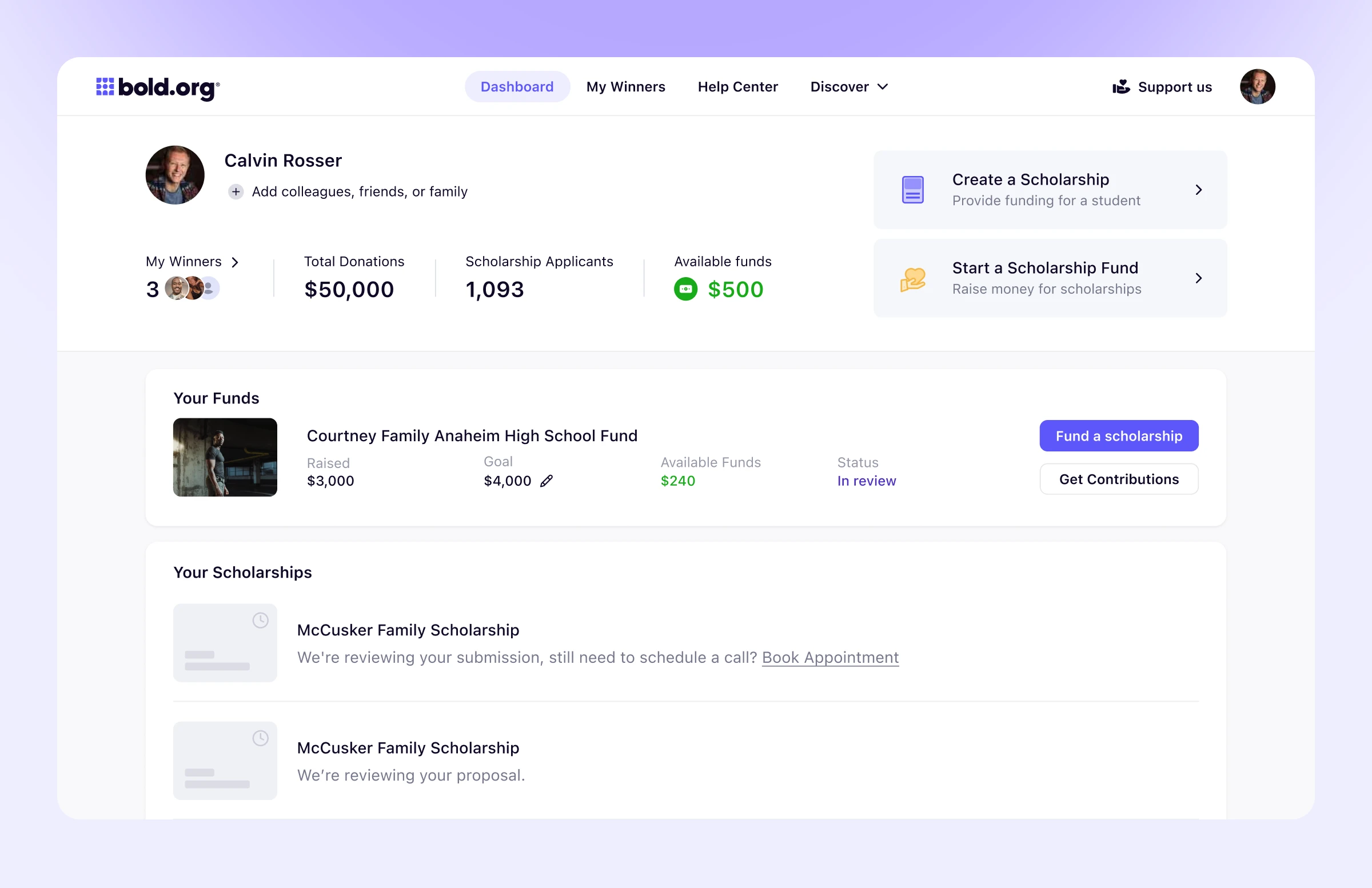
Internal tools have always been essential, but they were often too expensive to build with the same level of care as customer-facing product. Every admin console, review queue, banking workflow, or support dashboard solved a real operational need, yet each one competed for the same dev time as core product work. As a result, many of these tools were patched together in systems like Retool just to keep the business moving.
AI changed that tradeoff.
It made it possible to ship good-enough tools in hours instead of months. At Bold.org, this has been especially valuable for tools like scholarship management queues, banking and payment consoles, and internal review workflows. These tools do not need perfect polish. They need to be clear, reliable, and fast enough to support everyday operations, and AI makes that bar much easier to reach.
We eventually settled on a model where the backend team generates and owns internal tools, while the design team oversees the quality bar and pushes required updates to make sure these tools remain clear, usable, and good enough for everyday work.